
This is the section for the content and links that you want to be at the top of the page, front and center.

There are two ways to “favorite” content:
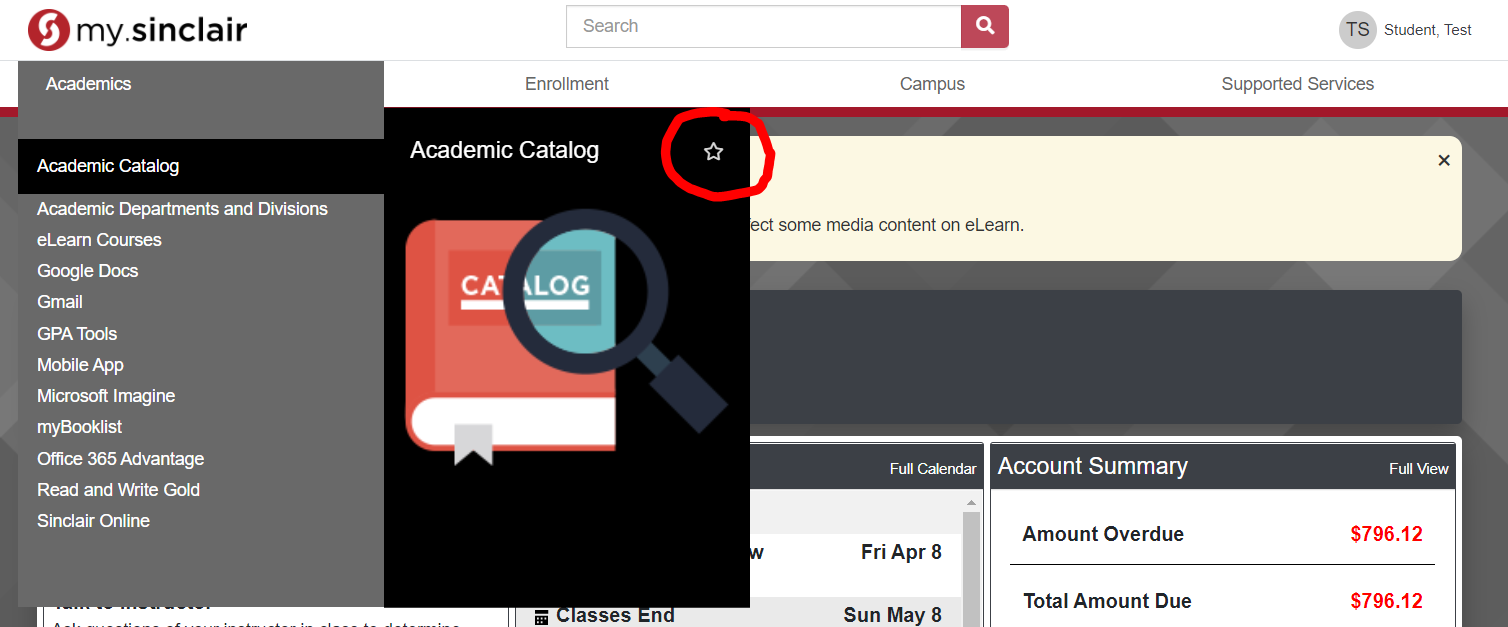
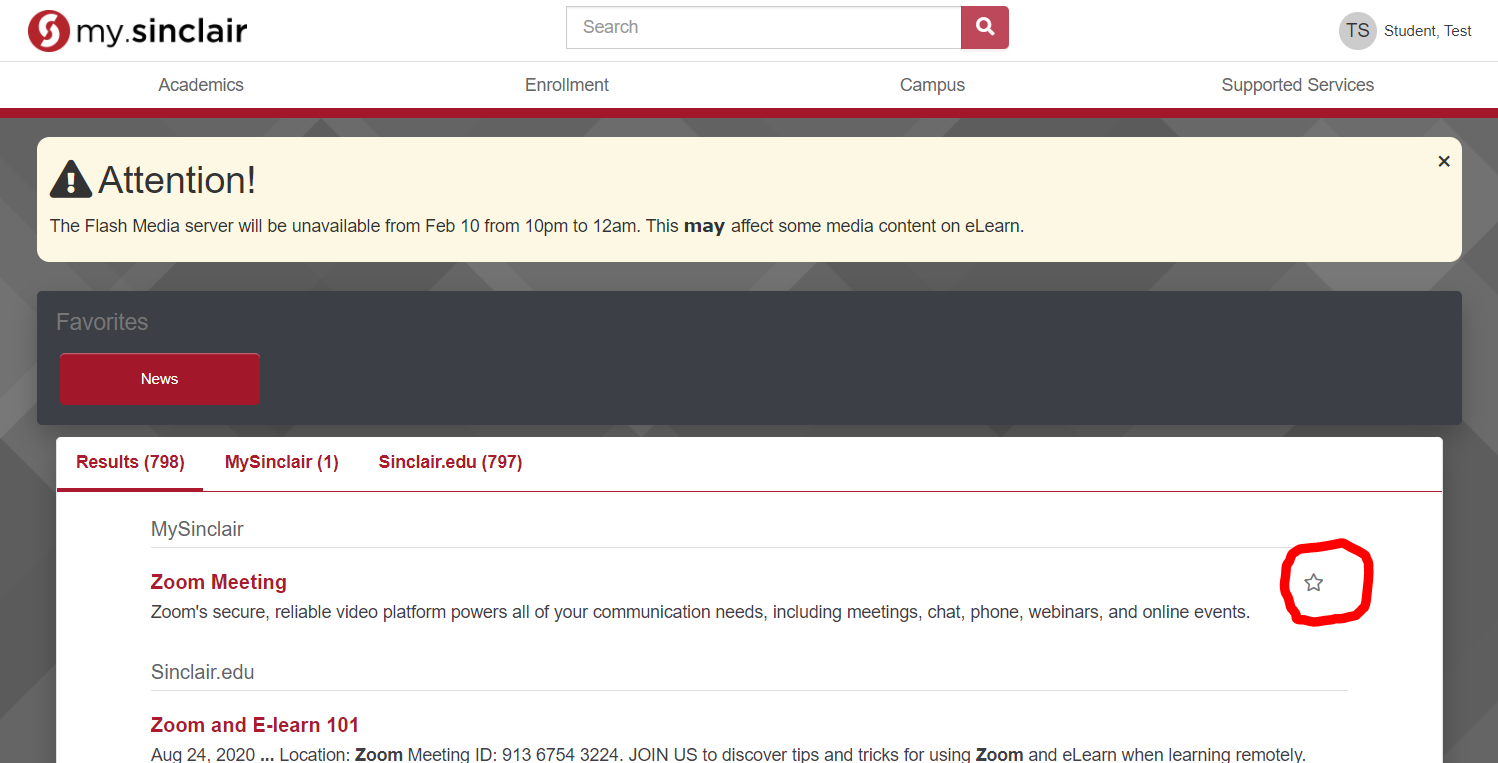
After you add a portlet to your favorites you can easily access the link in the favorites section.
You can also click the drop down arrow, if one is available, to expand the link and display the full content
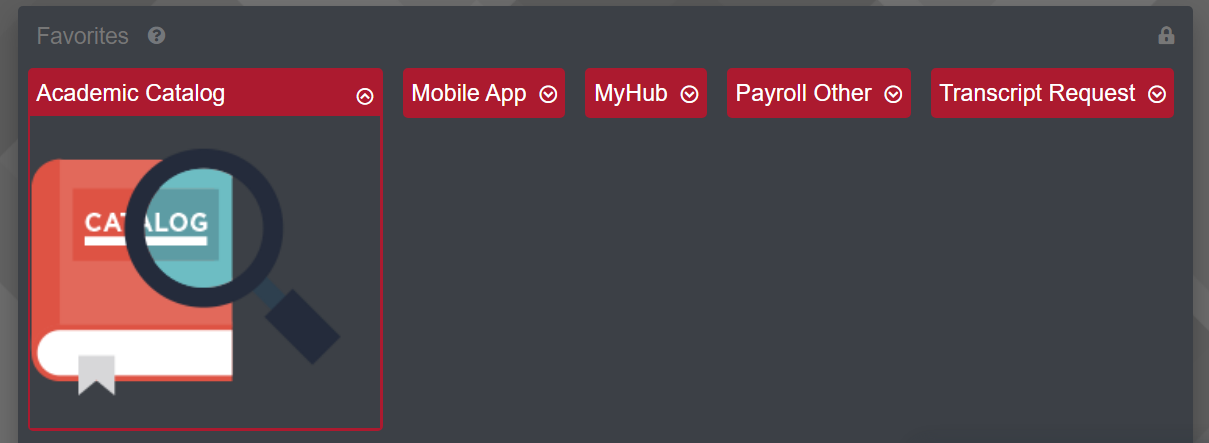
To remove an item from your favorites simply click the lock in the upper right hand corner, then click on the X where the dropdown arrow was.
